Images are among the primary sources of information nowadays. Sometimes they provide necessary knowledge, other times they guide on something vital. Sometimes we encounter images with text in another language, making them difficult to understand.
Now, scrolling past a random social media post is one thing. But what if that image contains something important? Think about travel guidelines on an international trip or a menu at a foreign restaurant. What do you do then?
Use a dictionary to translate? Nah, if you are thinking about that, you are way too old school.
Gone are the days when people face difficulties understanding or communicating due to a language barrier. All thanks to tools and technologies that now instantly translate text inside the images.
What Is Image Text Translation?
Image text translation is the process of translating readable texts (numbers, words) into any other desired language. This translation is carried out using advanced technologies like optical character recognition (OCR) and modern language translation algorithms.
Image text translation is widely used by many for various tasks. For example
- For translating a message written in a foreign language
- Reading a traffic sign or the rules on a foreign trip
- Translating a restaurant menu written in a non native language
- Understanding conversation when talking with foreign clients
How to Translate a Picture Text?
Multiple methods can be used to translate a picture into text. The primary method includes using an online tool. Regarding image text translation tools, there are many reliable options to choose from.
Here are three of the most efficient image text translation tools, and you can use them to translate a picture text.
1. Image Translator
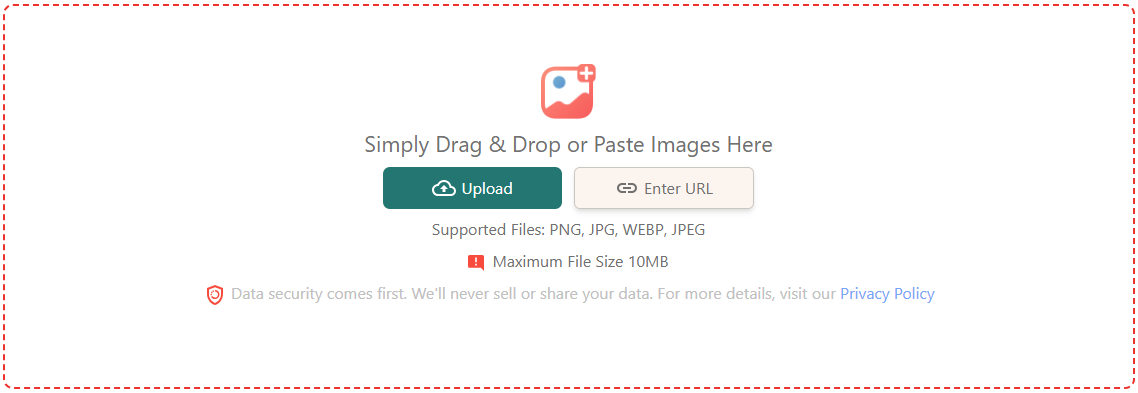
The fastest and most efficient way to translate images is to use the image translator tool. We designed this tool with users in mind. It is very easy to use and can translate images into 200+ languages while preserving the original design.
Here’s how you can use our image translator tool to translate text in images.
- Open our Image Translator.
- Upload the image or enter the public URL of one.
- Select the language to which you want to translate the text.
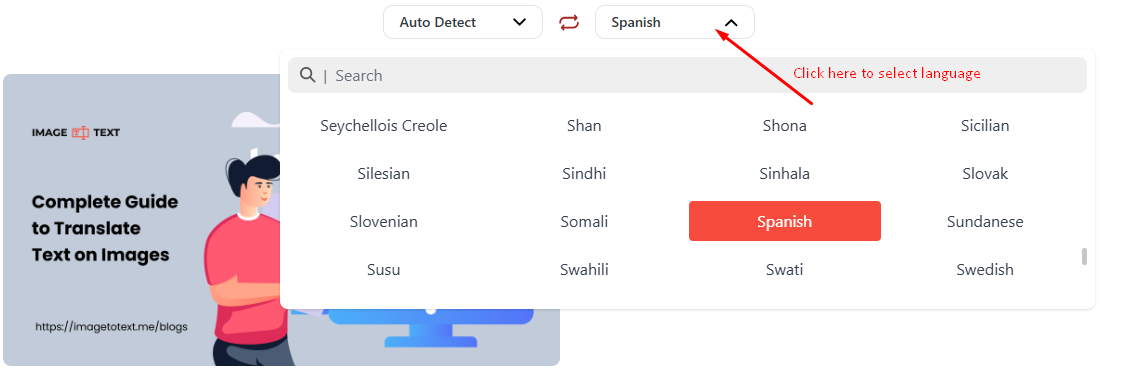
- Click the ‘Translate’ button.
Within a few seconds, the tool will return the same image with the text translated into the selected language. See for yourself in the example image we shared below.
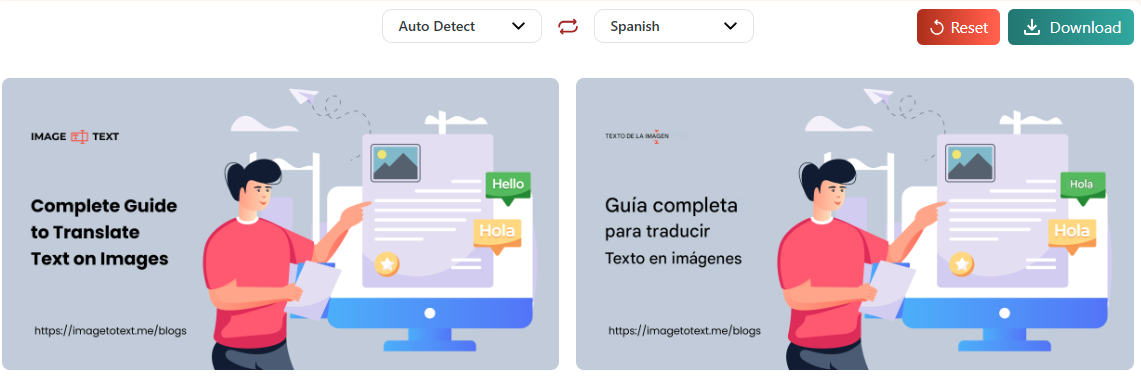
Look how perfectly the tool has translated English text into Spanish without altering the image design.
Once the image text is translated, our tool also lets you download it as a high-quality PNG file. For this, you just need to save the ‘Download’ button at the top bar of the toolbox.
2. Google Translate
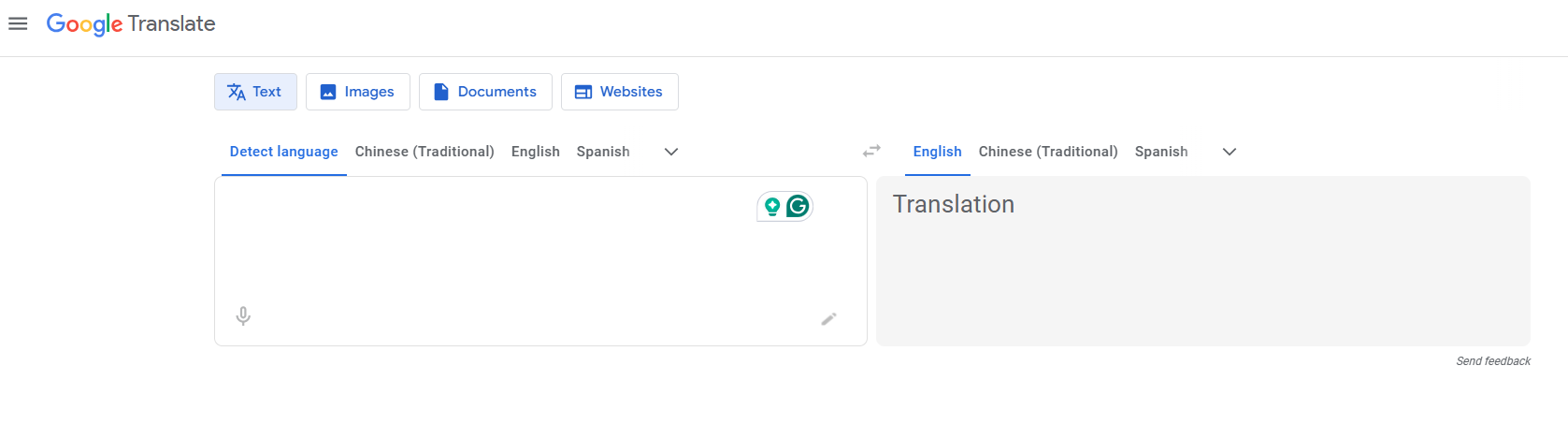
Google Translate is a popular tool used by millions to translate text into different languages instantly. Besides text to text language translation, it also lets you translate the text written inside images. Here’s how:
- Go to Google Translate.
- Click ‘Images’.
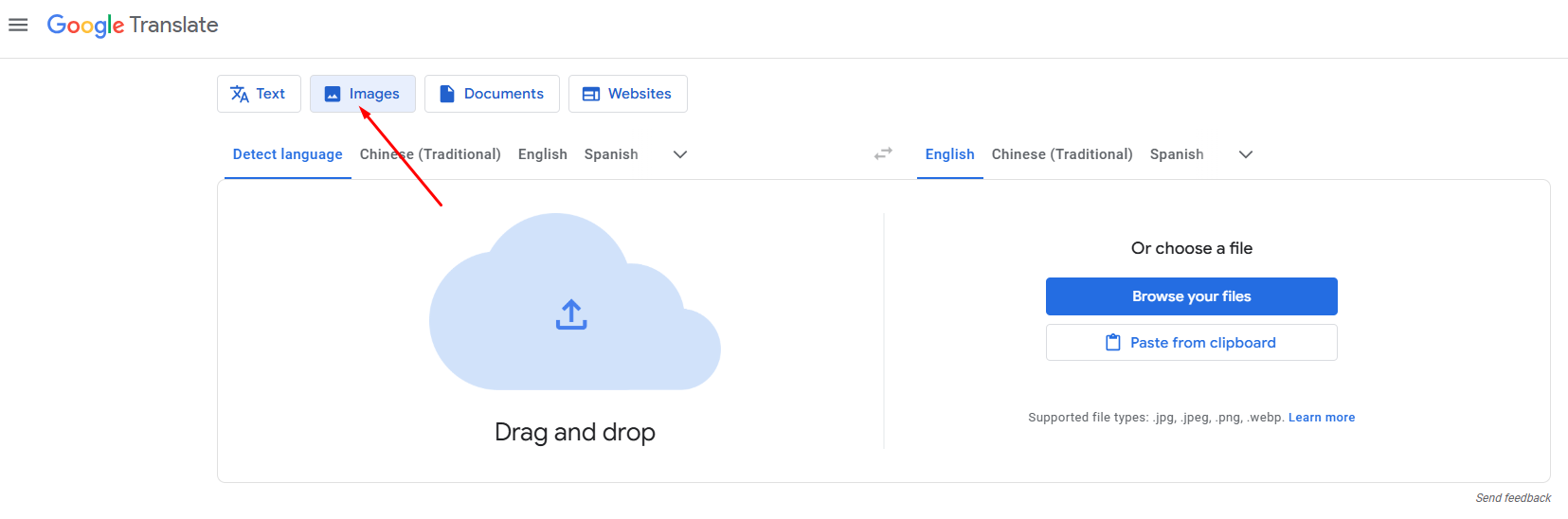
- Upload an image or paste it directly into the box.
- Once uploaded, select the target language from the output box on the right.
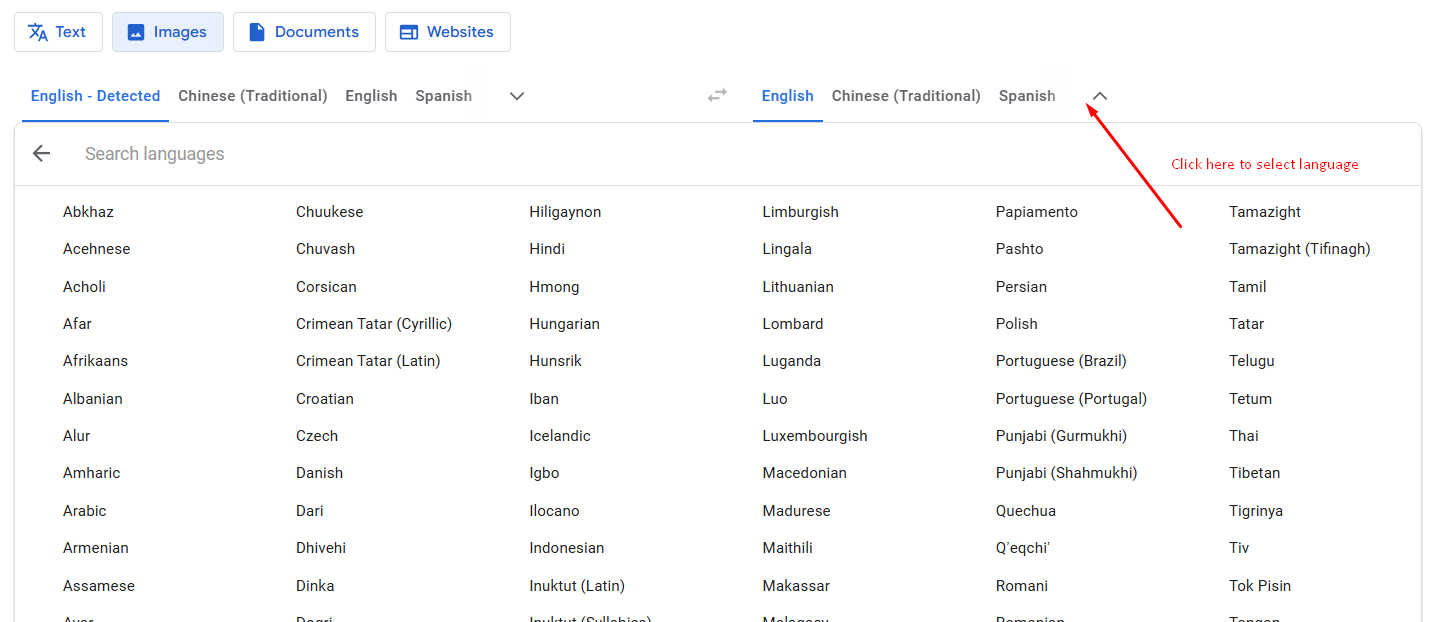
- As you select a language, the tool automatically translates the image text into that language.
- The translated image can be downloaded by clicking the ‘Download Translation’ button at the top corner of the results.
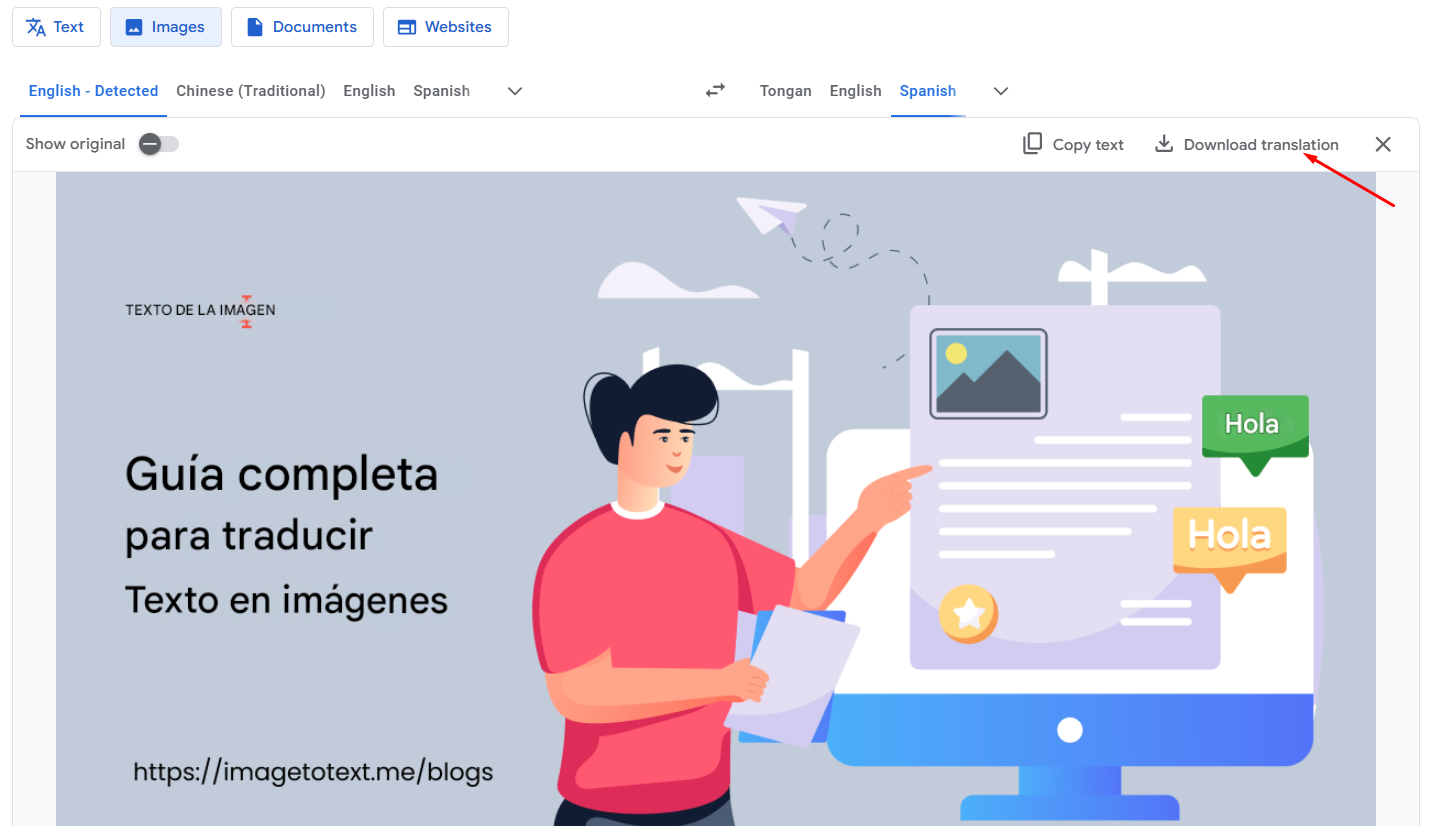
To compare the translated image with the original one, turn on the ‘Show Original’ switch button at the top left corner.
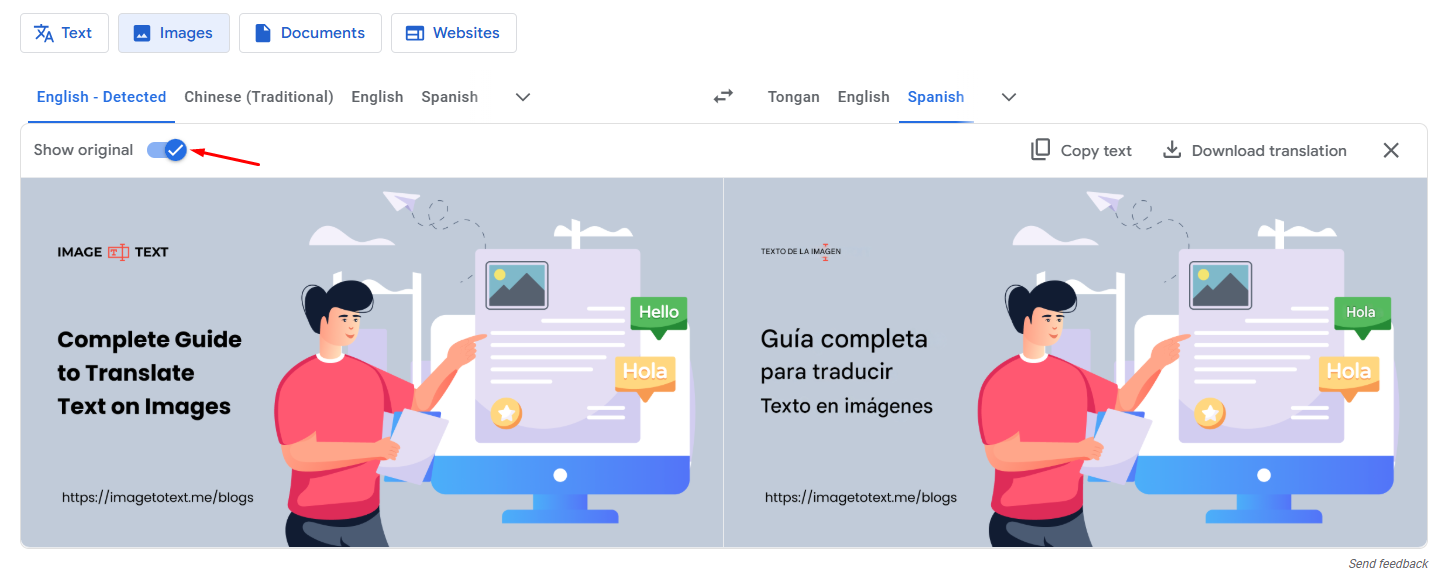
That is how you can use Google Translate for translating text in images.
3. Yandex Translate
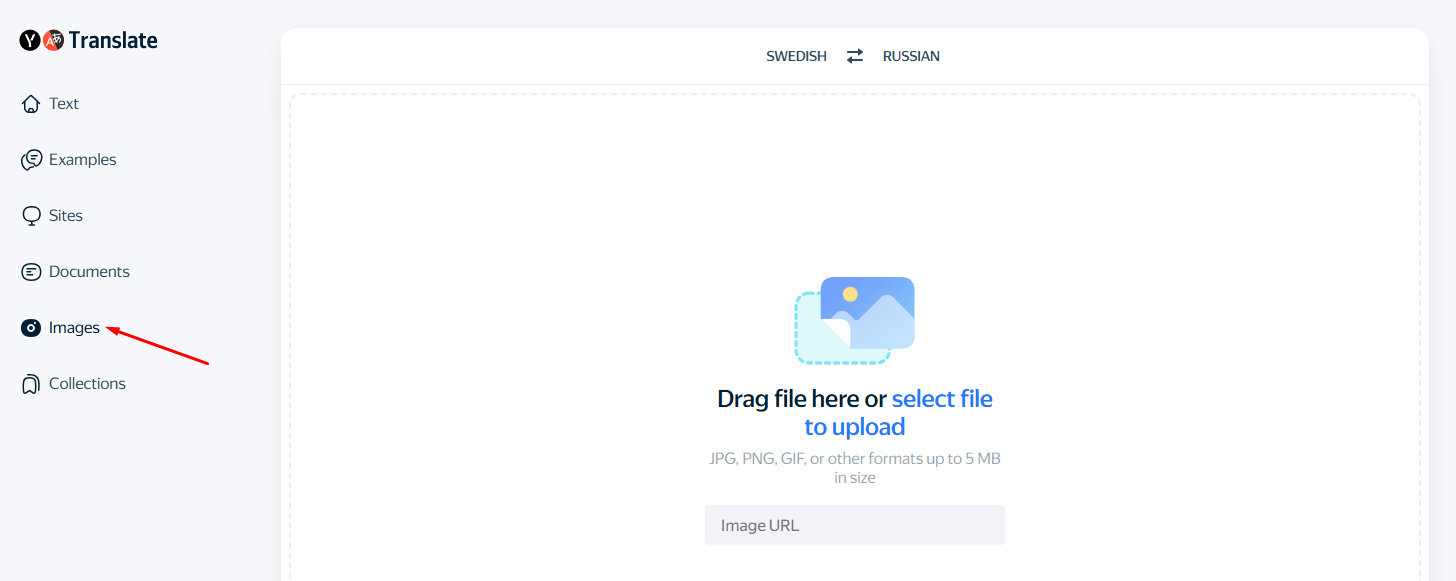
Last but not least, the tool on our list for translating text in images is Yandex Translate. This tool is similar to our image translator in usage. To translate an image:
- Either upload or enter the public URL of one.
- Choose the desired language for translation.
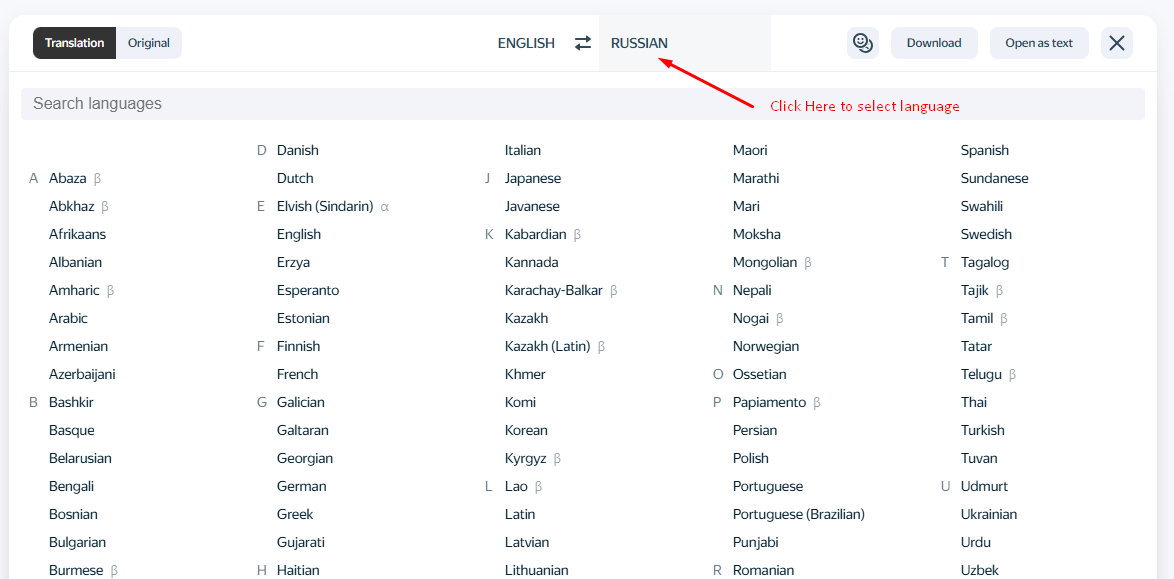
- As you select a language, automatic translation will be performed, and the results will resemble one of the translated images shown below.
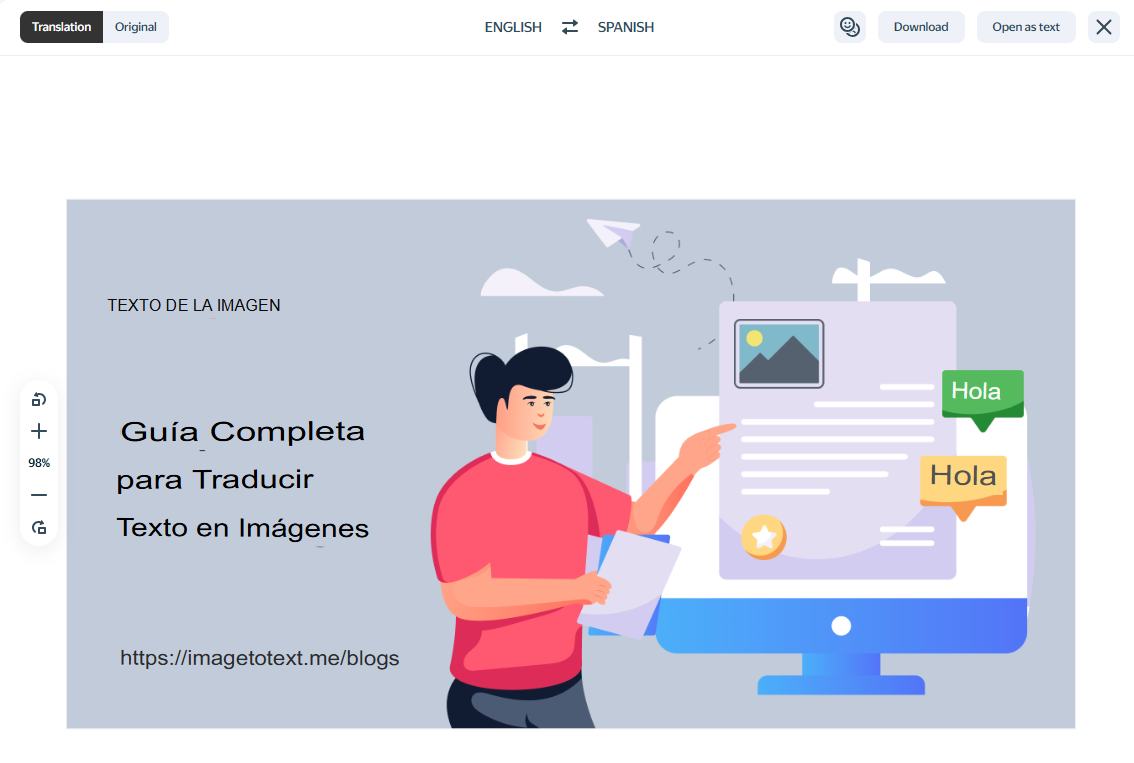
An image with translated text can be downloaded as a JPG image file with a single click on the download button at the top of the results box.
Side-by-Side Comparison
To choose the best image translator among the three, the table below presents a side-by-side comparison of all three.
|
Tool Name |
Auto Input Language Detection |
Offline Translation |
Translation Efficiency |
Image Quality |
Upload Size |
|
Image Translator by ImageToText.me |
Yes |
No |
High |
High |
10Mb |
|
Google Translate |
Yes |
Yes, but prone to downloading languages |
High |
Medium |
10Mb |
|
Yandex Translate |
Yes |
No |
Medium |
Low |
5Mb |
Why Picture Text Translation Fails?
Picture text translation does not always give perfect results. Several issues affect accuracy and clarity. Below are the most common reasons.
- Poor image quality
Blurry, pixelated, or low-resolution images make text hard to read. As a result, the tool misreads letters or skips words.
- Stylish or decorative fonts
Fancy fonts or unusual lettering sometimes confuse OCR systems. They make the tool struggle in detecting and understanding the text; ultimately, translation efficiency gets reduced.
- Low contrast
When the contrast between the text and the background is low, some tools struggle to detect it. This issue usually causes missing or broken translations.
- Mixed languages in one image
Images containing text in multiple languages can also affect the efficiency of auto-detection. As a result, the tool may mistranslate parts.
- Text inside complex designs
Text placed over patterns, gradients, or images becomes difficult to extract. They make the tools lose accuracy during translation.
- Short or unclear words
Sometimes images have single words, abbreviations, or slang. All these elements lack context, so the tool may infer the wrong meaning.
Conclusion
Translating text in images is now easier than ever. You can use tools like our Image Translator, Google Translate, or Yandex Translate to quickly translate any readable text into your desired language.
These tools work well for:
- Document translation
- Travel signs
- Restaurant menus
- Social media posts
However, results depend on image quality and text clarity. For best results, use clear images with simple fonts and good contrast.