Have you ever needed to copy text from a scanned document or a photo but couldn't because the text wasn't selectable? Instead of typing everything by hand, you can use Optical Character Recognition (OCR) to turn the text inside an image into editable text within seconds.
Nowadays, OCR has become quite essential for many people. Businesses, students, and researchers, in particular, use it a lot. It can be used to digitize physical documents and screenshots. That’s immensely useful, and you will learn why soon.
In this guide, you'll learn what OCR is, how it works, where it is used, its limitations, and how you can use imagetotext.me to extract text from images quickly and accurately.
What Is Optical Character Recognition (OCR)?
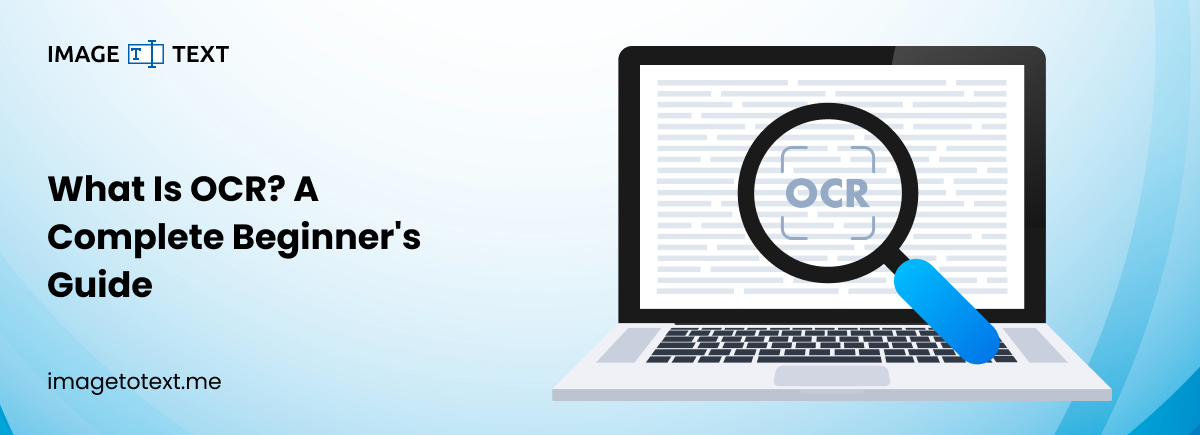
Optical Character Recognition, commonly known as OCR, is a technology that identifies letters, numbers, and symbols in an image and converts them into machine-readable text.
Instead of treating a scanned page or photograph as a simple image, OCR analyses the image and recognises the characters within it. The extracted text can then be copied, edited, searched, translated, or saved in another format.
OCR works with many types of files, including:
- JPG and JPEG images
- PNG images
- Scanned documents
- Screenshots
- PDFs
- Photos taken with mobile phones
Because of OCR, information that was once locked inside an image becomes usable again.
Why OCR Is More Important Than Ever Today
OCR was once a specialist technology used mainly by large institutions. Today, it sits at the heart of almost every document workflow because most organisations work with a mix of paper and digital records.
Many people deal with physical documents, for example:
- Receipts/Invoices
- Contracts
- Handwritten notes
- Textbooks
- Scanned versions of these documents
These often need to be converted to digital formats for various reasons such as record keeping, consolidating research, proofreading with the help of tools, etc.
Without OCR, using the information inside these files would require manual typing (to digitize them in an editable format), which takes time and increases the risk of mistakes.
With OCR, the same process can be completed in mere moments. This is why OCR is so important today.
How Does OCR Work?
You don't need to know the internals to use OCR, but understanding how it works can help you troubleshoot issues and determine which OCR tools perform better. So, it’s worth learning the basics.
This is how a typical OCR image-to-text extraction process looks.
The Image Is Uploaded
The process begins when you upload an image or scanned document. This becomes the input that the OCR system analyzes.
The quality of the original image plays a major role in the final accuracy.
The Image Is Enhanced
Before recognizing any text, the OCR engine prepares the image by improving its quality. This process is necessary to improve the accuracy of the text recognition.
This preparation typically includes:
- Removing visual noise such as smudges, stray strokes, and artifacts.
- Increasing contrast between the text and the background.
- Straightening tilted pages so that the text is aligned with the X-axis.
- Correcting brightness.
- Separating text from the background.
These improvements help the software distinguish characters more accurately.
Characters Are Recognized
The OCR engine examines the shapes within the image and determines which letters, numbers, and punctuation marks they represent.
Modern OCR systems use machine learning to recognize a wide variety of fonts, languages, and writing styles. They are far more accurate than the template-matching systems used years ago.
The Text Is Organized
Once the characters have been recognized, the software rebuilds the text in a readable format.
Depending on the document, it may preserve:
- Paragraphs
- Line breaks
- Lists
- Basic formatting
- Tables (in supported documents)
The extracted text is then ready to copy, edit, or download.
Where Is OCR Used?
OCR is useful in many industries because it speeds up document processing and reduces manual effort. Here are some examples.
Education
In education, OCR is widely used by students to digitise and consolidate their handwritten notes, lecture handouts, and other fragmented sources of information.
Teachers use it for much the same reasons, and if handwriting is the material you're working with, our guide to converting handwriting to text with OCR covers the process in detail.
Business
Companies have massive document processing workflows that OCR can speed up tremendously. This includes digitizing invoices, purchase orders, receipts, and contracts. Once digitized, the documents are easier to organize and process.
Banking and Finance
Banks and financial institutions are among the most prolific users of paper documents. These include forms, cheques, and customer documents.
With OCR, they can easily scan such documents for verification and storage.
Healthcare
Hospitals and clinics manage large volumes of patient records. Most patients have fragmented physical records that can get lost or misplaced. To avoid this, hospitals, personal doctors, and clinics digitize them.
OCR helps digitize medical documents, improving record management and making information easier to retrieve when needed.
Legal Services
Law firms deal with lengthy contracts, case files, and court documents. OCR allows legal professionals to search through thousands of pages instead of reviewing every document manually.
What Can Affect OCR Accuracy?
Modern OCR technology is highly accurate, but the quality of the results depends on the source image.
Here are some common factors that can affect OCR accuracy.
Blurry Images
If characters appear blurry, the OCR engine may confuse similar-looking letters.
Blurriness in images can occur due to over-compression, poor photography, poor scanning, etc.
Poor Lighting
Dark shadows or overexposed images make text harder to recognize.
Low Resolution
Small or pixelated text contains less detail. This makes accurate recognition more difficult. So, using high-resolution images is recommended.
Decorative Fonts
Highly stylized fonts can be harder for OCR software to interpret than standard printed text. This is because OCR software is typically designed to work with predictable and standardized forms of text.
Handwritten Notes
While AI-powered OCR has improved handwriting recognition, it can still be tripped up by messy or inconsistent handwriting. So, sometimes handwritten text can still produce errors.
Complex Layouts
Documents with multiple columns, overlapping graphics, or unusual formatting require more advanced OCR processing. Standard tools may not be able to work with them.
Tips for Better OCR Results
You can improve OCR accuracy with a few simple practices.
- Use clear, high-resolution images.
- Make sure the page is well lit.
- Keep the document as flat as possible.
- Avoid blurry or cropped photos.
- Scan documents straight instead of at an angle.
- Remove unnecessary marks or stains when possible.
Starting with a clean image usually produces much better text extraction.
Extract Text Online with imagetotext.me
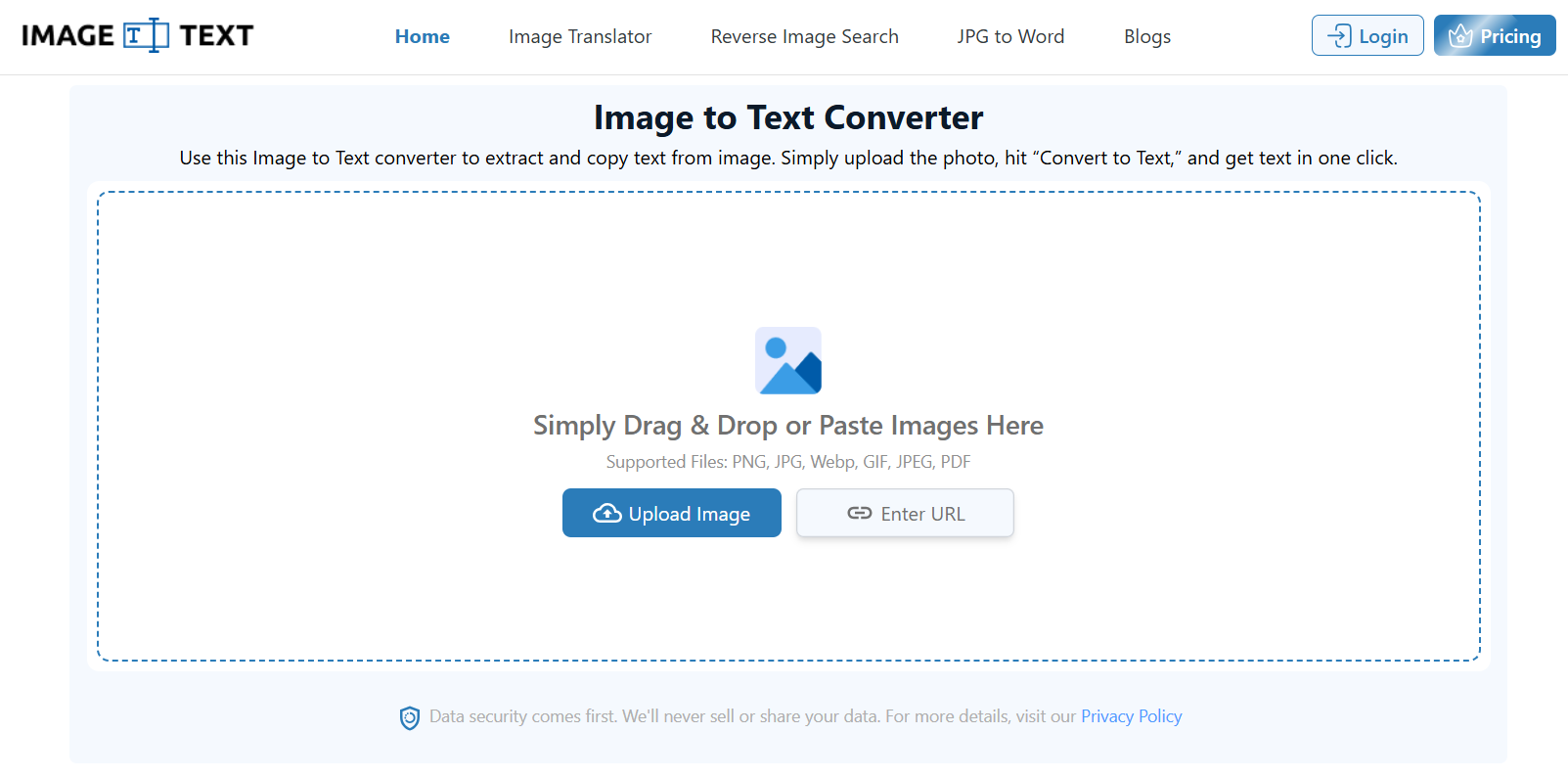
If you need to extract text without installing software, imagetotext.me offers a fast and convenient solution.
Simply upload your image, let the OCR engine process it, and copy the extracted text in seconds.
The tool is useful for many everyday tasks, including:
- Extracting text from screenshots
- Converting scanned pages into editable text
- Copying information from printed documents
- Digitizing notes
- Working with image-based PDFs
- Saving time on manual typing
Since it runs directly in your browser, you can use it from virtually any device with an internet connection.
The Future of OCR
OCR technology continues to improve with the help of artificial intelligence and machine learning. Modern systems can recognize more languages, better understand document layouts, and produce higher accuracy even when working with imperfect images.
As businesses continue moving toward digital workflows, OCR will remain one of the key technologies for converting paper-based information into searchable, editable digital content.
Final Thoughts
Optical Character Recognition has transformed the way we work with documents. Instead of spending time retyping printed content, OCR allows users to convert images into editable text quickly and accurately.
Whether you're a student copying notes, a business digitizing paperwork, or someone trying to extract text from a screenshot, OCR makes the task significantly easier.
For anyone looking for a simple online solution, imagetotext.me provides an easy way to convert images into editable text without downloading additional software. With just a few clicks, you can turn printed or photographed text into content that is ready to edit, search, share, or save.